
Blender 低多邊形(low poly)風格:快速製作低多邊形雲、地形和樹的技巧。
YouTube video :
How to Make Low Poly Nature 🌲 (Blender Tutorial)
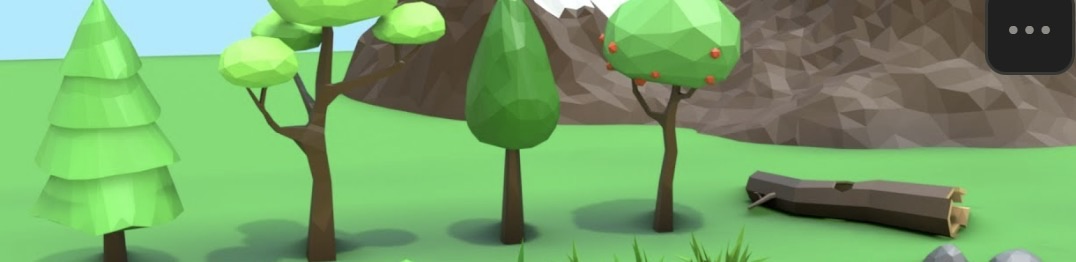
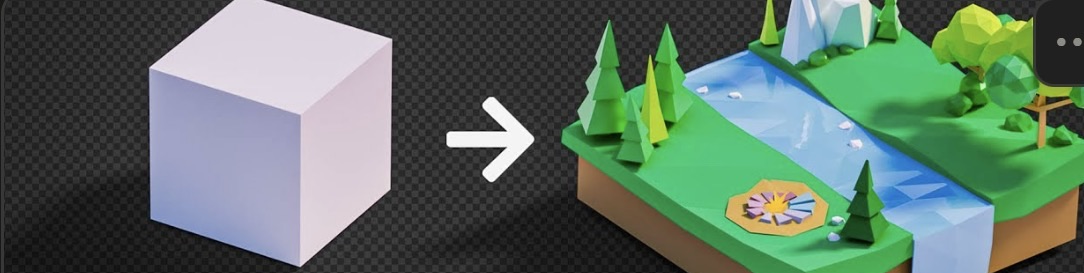
Blender 4.0 Beginner Tutorial | Low Poly Worlds
低多邊形雲 #
做法:合併幾顆球體,再結合成單一物件(Join,Ctrl-J)。
做法:加入 Remesh 修改器(Generate → Remesh),Voxel Size 設 0.07m。
做法:加入 Decimate 修改器(Generate → Decimate),Ratio 設 0.05。
低多邊形地形 #
YouTube video :
Create Landscape in Blender in 30 Seconds!
做法:安裝 ANT Landscape 附加元件(add-on)。
做法:Shift-A → Add Landscape 新增地形。
低多邊形樹 #
做法:Shift-A → Cube 新增立方體,進入編輯模式(edit mode),選取全部頂點(A),再 M → Merge By Distance 合併重複頂點。
做法:用 G(移動)和 E(擠出)拉出樹枝。
做法:加入 Skin 修改器,在編輯模式選取全部(A),按 Ctrl-A 調整粗細 → Apply。
做法:Shift-A → Ico Sphere 做樹冠。