
Blender low poly style: quick techniques for modelling a low-poly cloud, landscape and tree.
YouTube video :
How to Make Low Poly Nature 🌲 (Blender Tutorial)
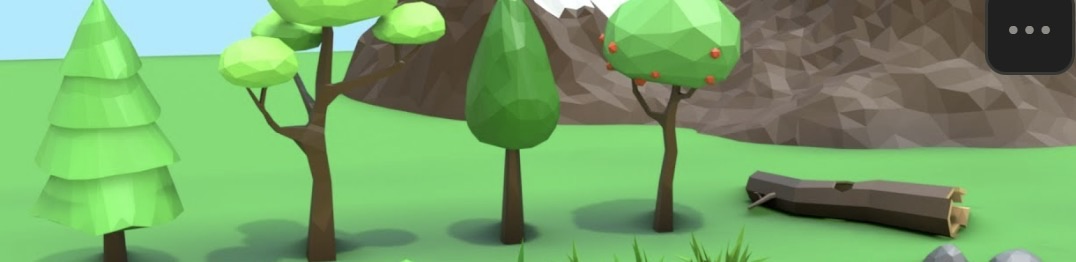
Blender 4.0 Beginner Tutorial | Low Poly Worlds
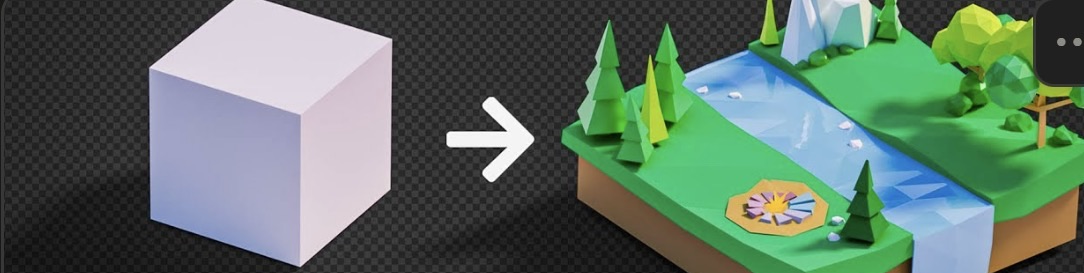
Low poly cloud #
How: Combine several spheres, then join them into one object (Ctrl-J).
How: Add a Remesh modifier (Generate → Remesh) and set Voxel Size to 0.07m.
How: Add a Decimate modifier (Generate → Decimate) and set Ratio to 0.05.
Low poly landscape #
YouTube video :
Create Landscape in Blender in 30 Seconds!
How: Install the ANT Landscape add-on.
How: Shift-A → Add Landscape.
Low poly tree #
How: Shift-A → Cube, enter edit mode, select all vertices (A), then M → Merge By Distance.
How: Move (G) and extrude (E) the vertices to build the tree branches.
How: Add a Skin modifier, then in edit mode select all (A) and Ctrl-A to adjust thickness → Apply.
How: Shift-A → Ico Sphere for the canopy.