📸 Step 1 #
After entering the new group, tap the Edit button in the top-right corner.

📸 Step 2 #
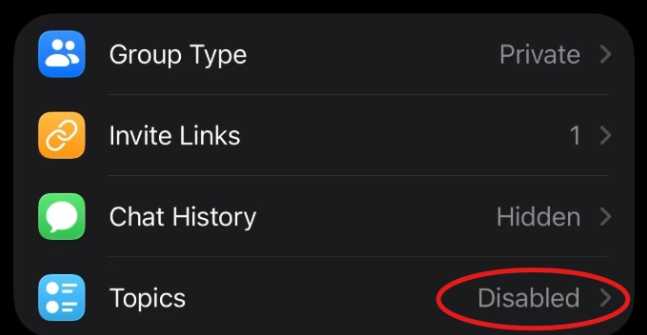
Under Topics, it’s Disabled by default — tap it.
📸 Step 3 #
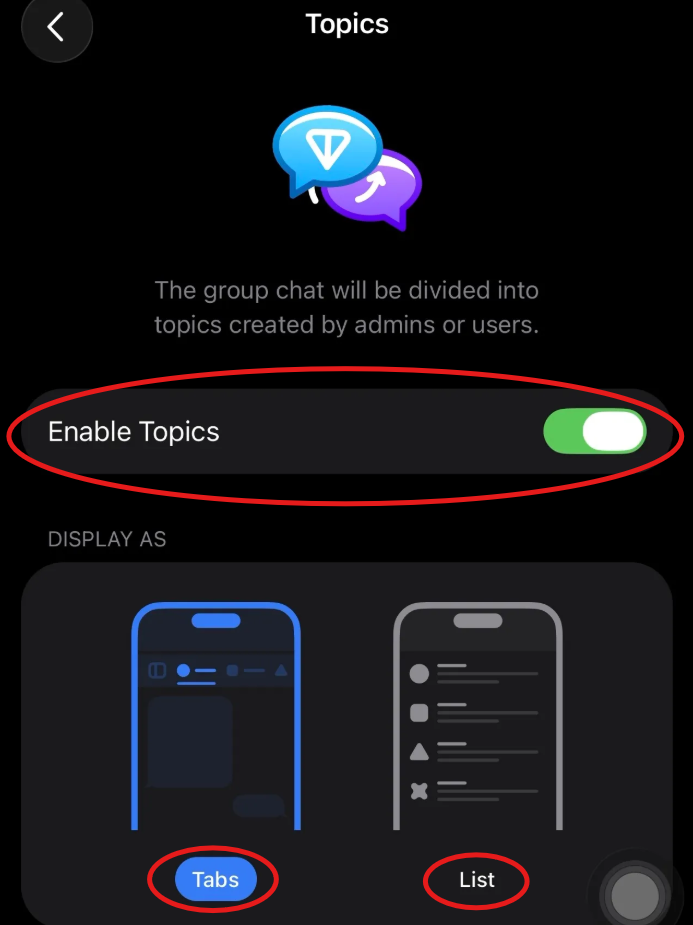
Turn on Enable Topics, then choose how topics are displayed.
📸 Step 4 #
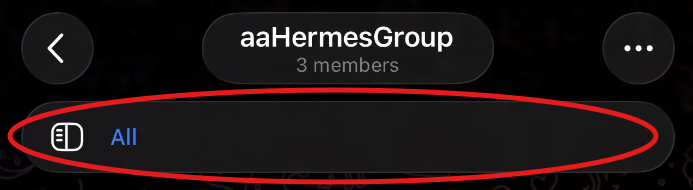
A new topic bar shows up in the group.
📸 Step 5 #
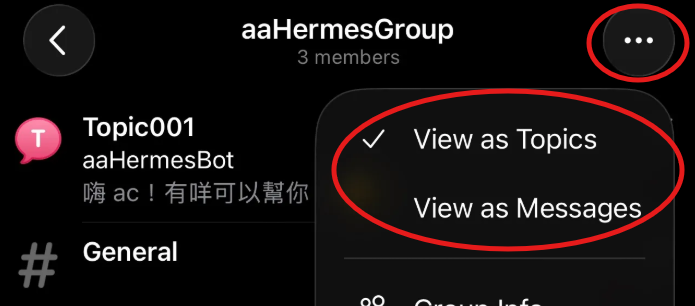
Tap the three dots in the top-right to change the “View as” style and add new topics.
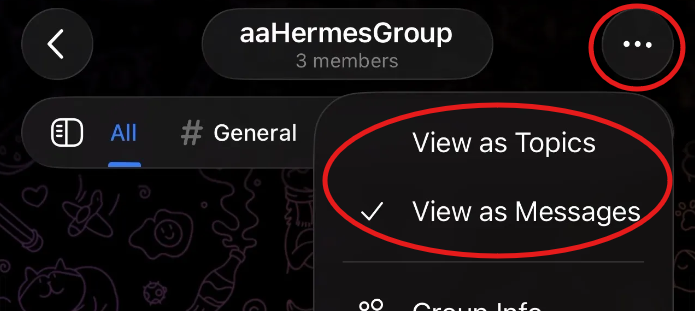
📸 Step 6 #
Name the new topic.

📸 Step 7 #
You’ll see the new topic in the topic bar.

📸 Step 8 #
The topic bar can be moved to the side.

📸 Step 9 #
What “View as Topics” looks like.