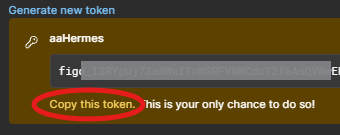
Figma is a web-based interface design tool for collaborating on UI, prototypes, and design systems.This note records how to get a Figma Personal access token to connect the Hermes Agent to Figma.
Step 1: Log in to Figma and open Settings #
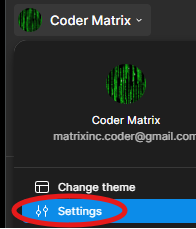
After logging into Figma, click the profile icon in the top-left corner and find Settings.
Step 2: Click Security #
In Settings, click Security.

Step 3: Click Generate new token #
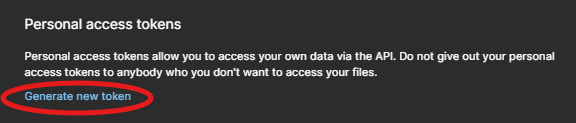
Under Personal access tokens, click Generate new token.
Step 4: Enter a name and expiration #
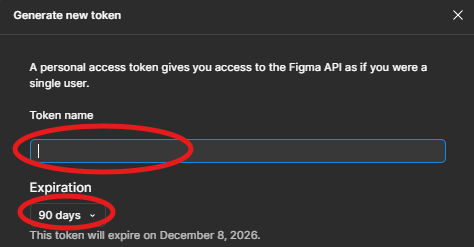
Enter a name to identify the token and set its expiration period.
Step 5: Select permissions and generate #
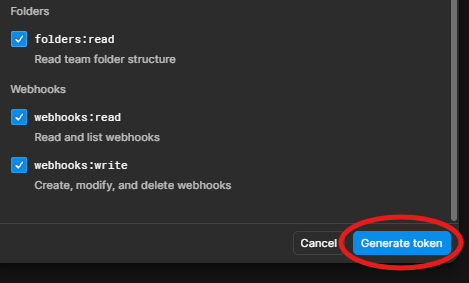
Check the permissions to grant to this token, then click the Generate token button in the bottom-right.
Step 6: Copy the key #
The new token key appears. Click Copy this token to save it. Note: this key is shown only once and cannot be displayed again later. If lost, you can only generate a new one and notify other AI agents to update.